Printing
Prepare orders for printing
Select the required orders and move into the print workflow without rebuilding the selection elsewhere.
Step by step
Filter the order list
Start with the correct delivery date, tags or delivery method.
Select the print batch
Tick every order that needs the same operational print step.
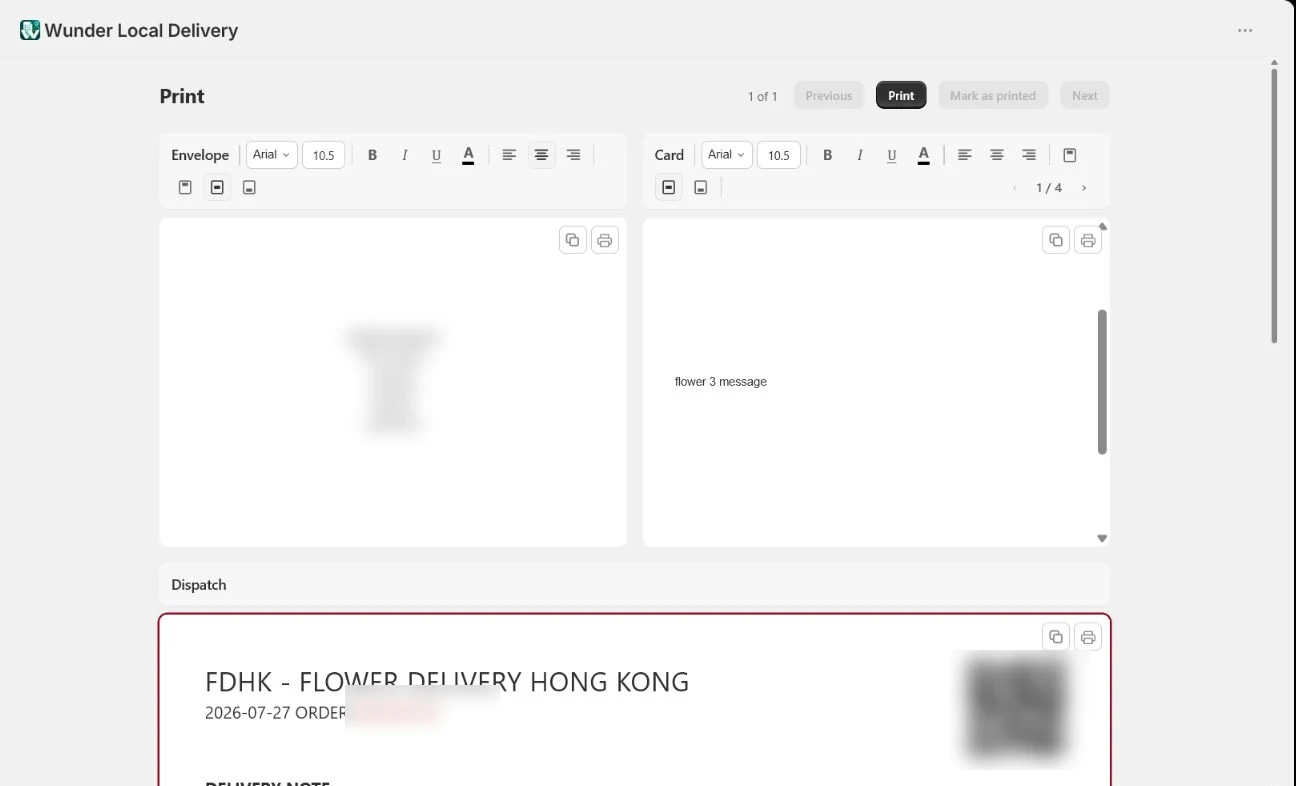
Choose Print
The bulk action bar appears above the table. Choose Print to carry the selection into the print workflow.
Use the configured destination
Apply the appropriate template and printer route. Silent or automatic printing should only be enabled after the print station has been tested.
This guide stops before sending a live print job. Printer routing and automation must match the merchant’s confirmed configuration.
Make the next delivery day easier to run.
Bring order organisation, printing and driver hand-offs into one Shopify workflow.