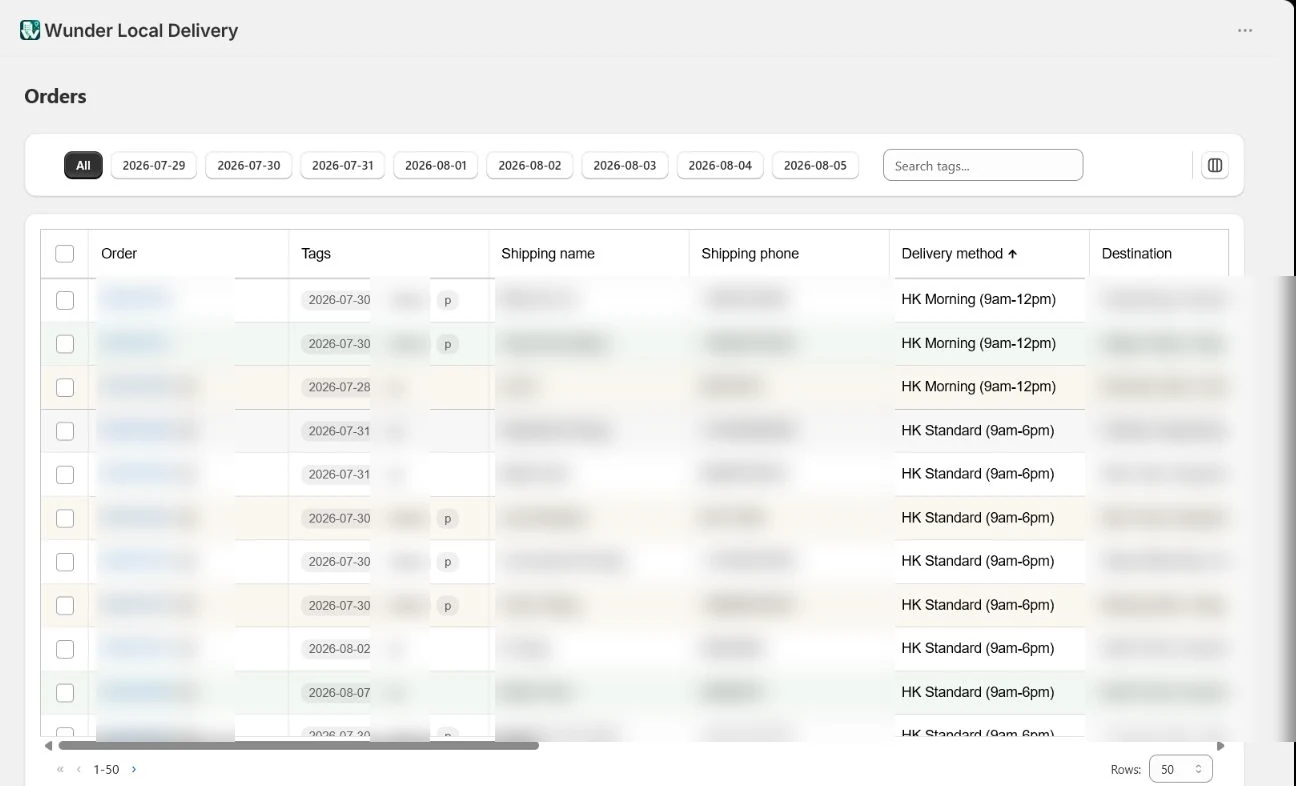
Order management
Manage orders by delivery date
Use the date tabs, delivery methods and product thumbnails to turn a large Shopify order list into a practical daily view.
Open tutorialTutorials
Follow privacy-safe captures from a live Shopify shop. Customer details and order identifiers are blurred throughout.
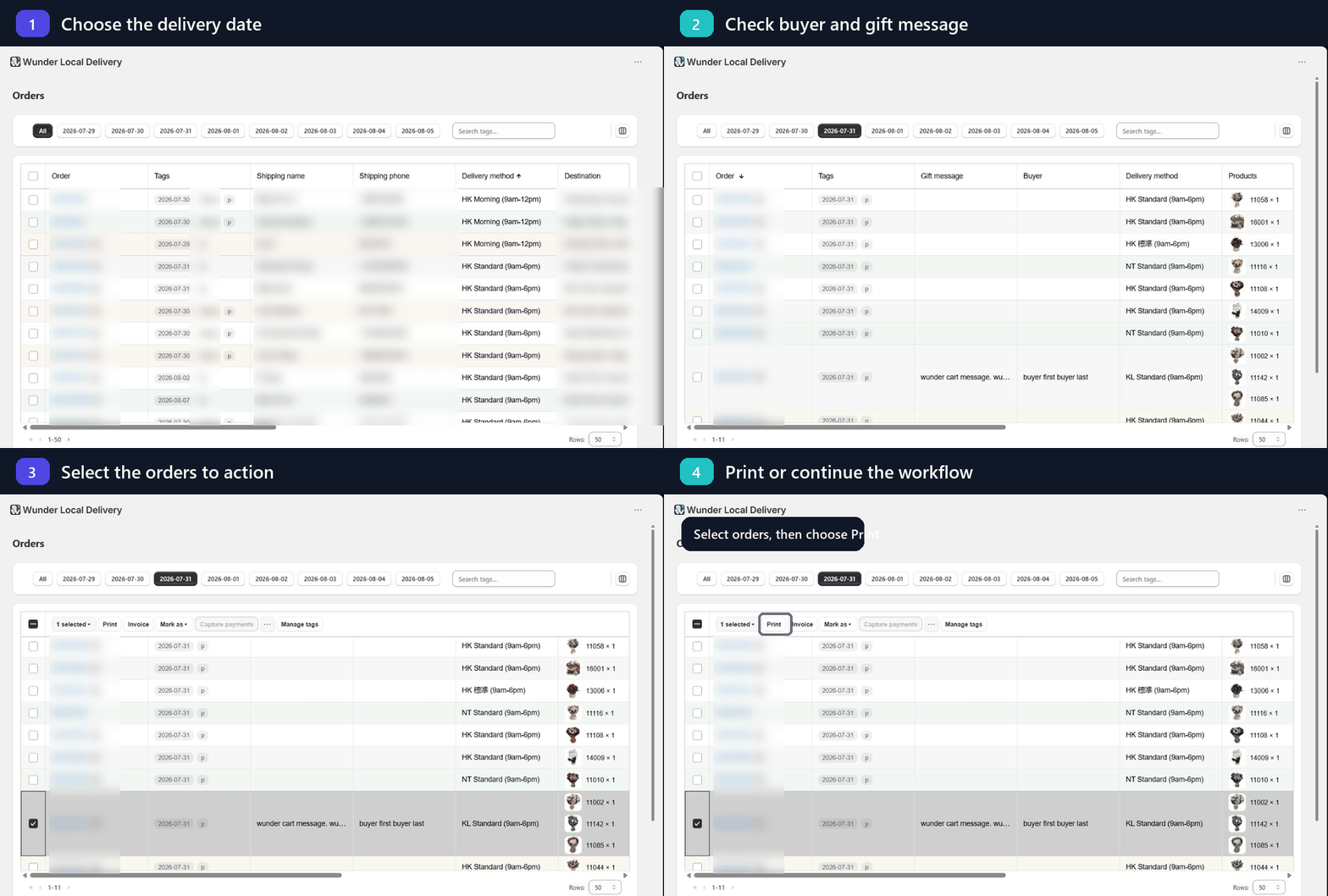
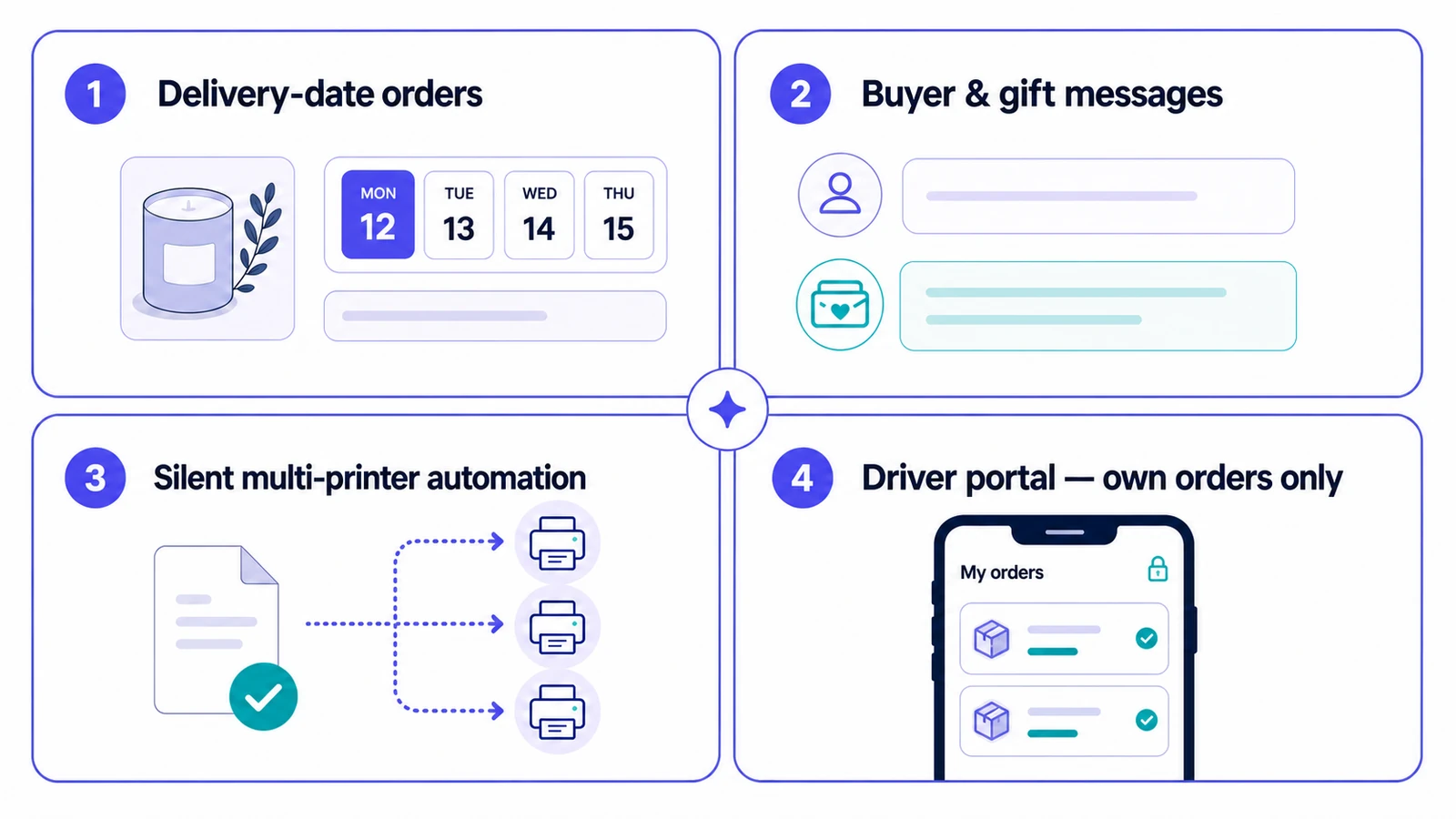
Four core functions
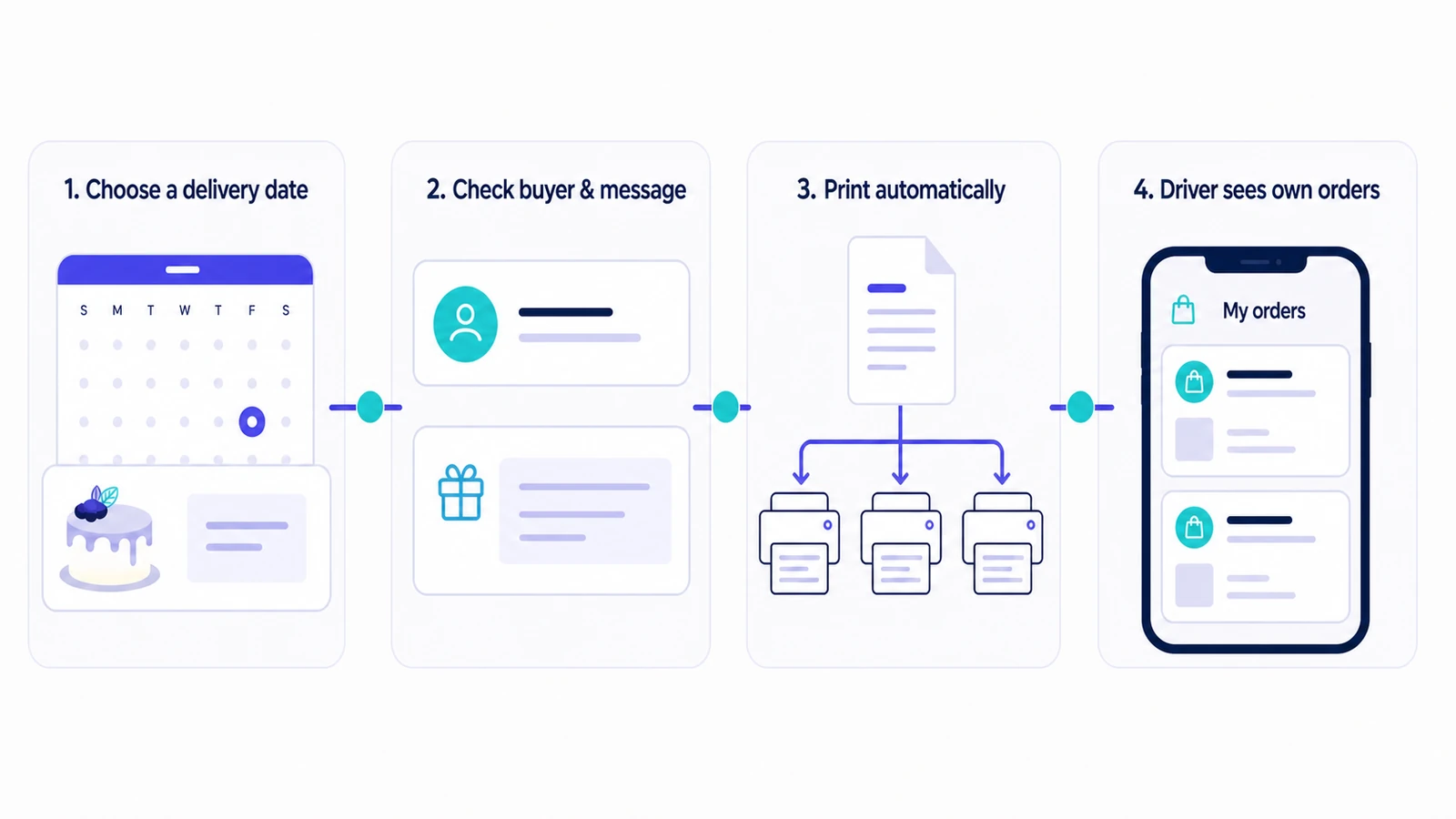
This short walkthrough shows how the core operational steps connect.
Order management
Use the date tabs, delivery methods and product thumbnails to turn a large Shopify order list into a practical daily view.
Open tutorial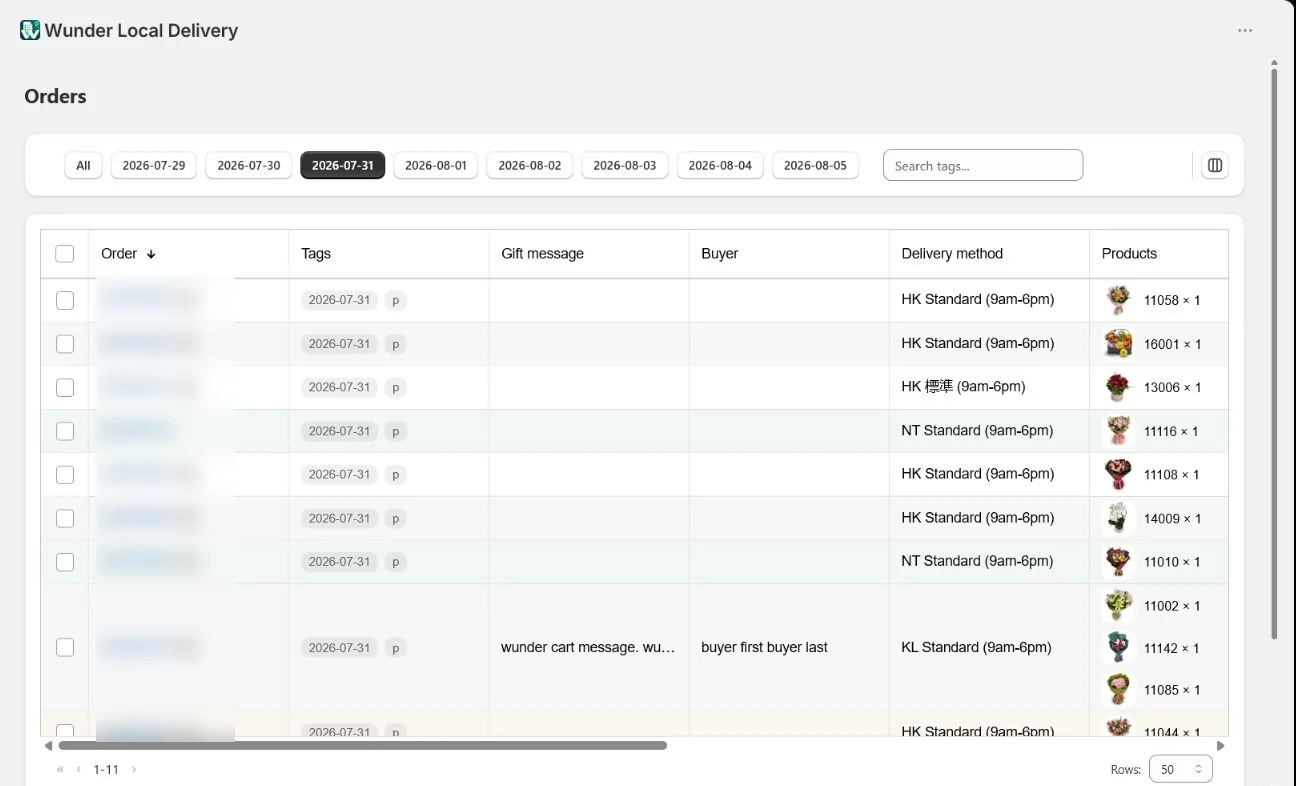
Gift orders
Keep buyer information and product-level or cart-level gift messages visible as separate operational fields while preparing an order.
Open tutorial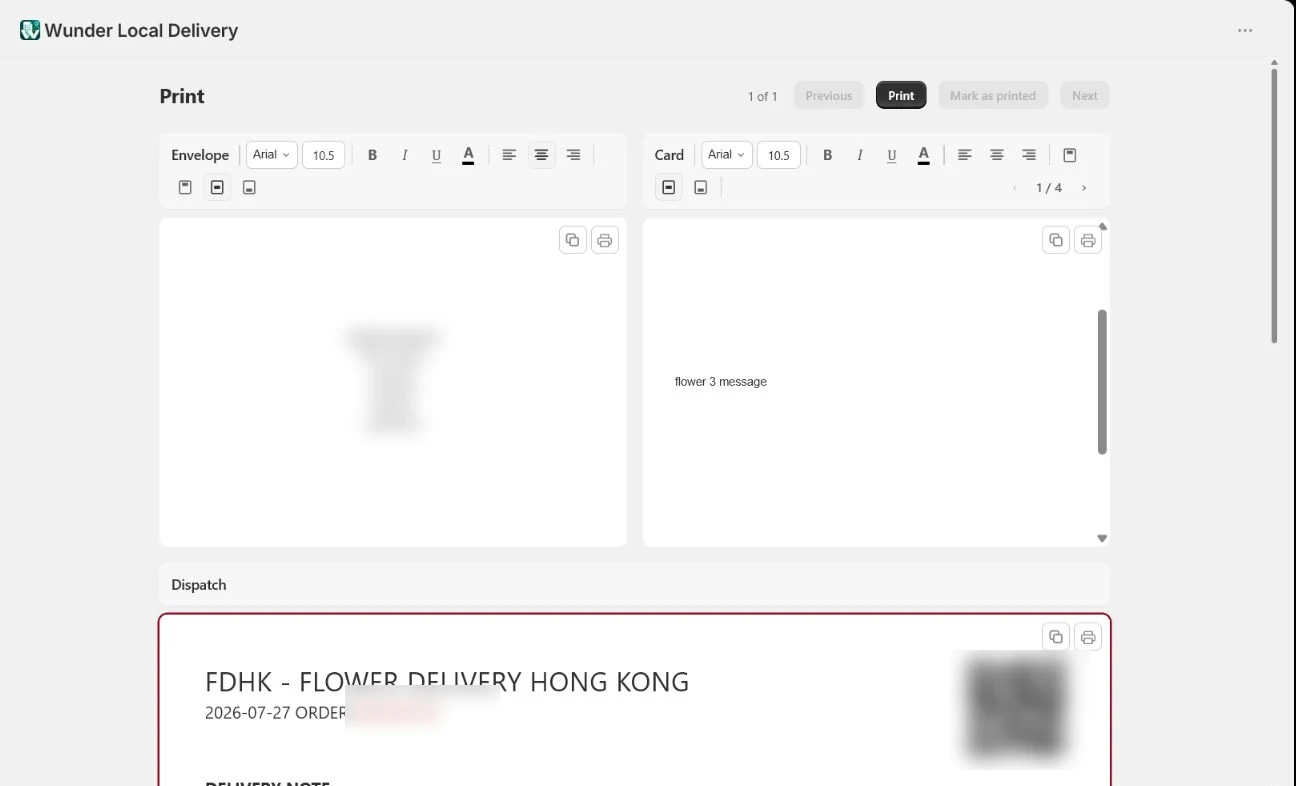
Printing
Select the required orders and move into the print workflow without rebuilding the selection elsewhere.
Open tutorial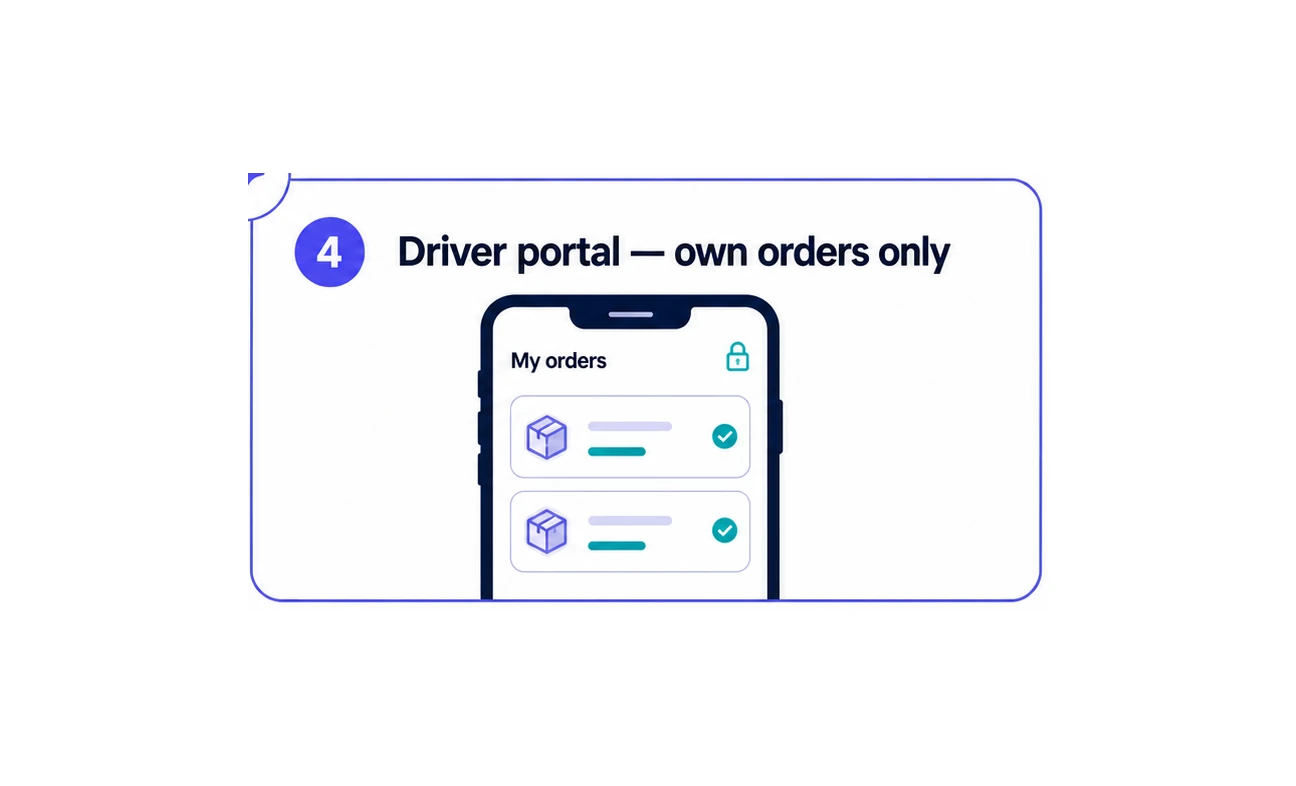
Private driver view
Give every authenticated driver a focused mobile view containing only the delivery orders assigned to them.
Open tutorialAt a glance
Tell us which part of your delivery operation you want to configure.