Private driver view
Use the driver portal
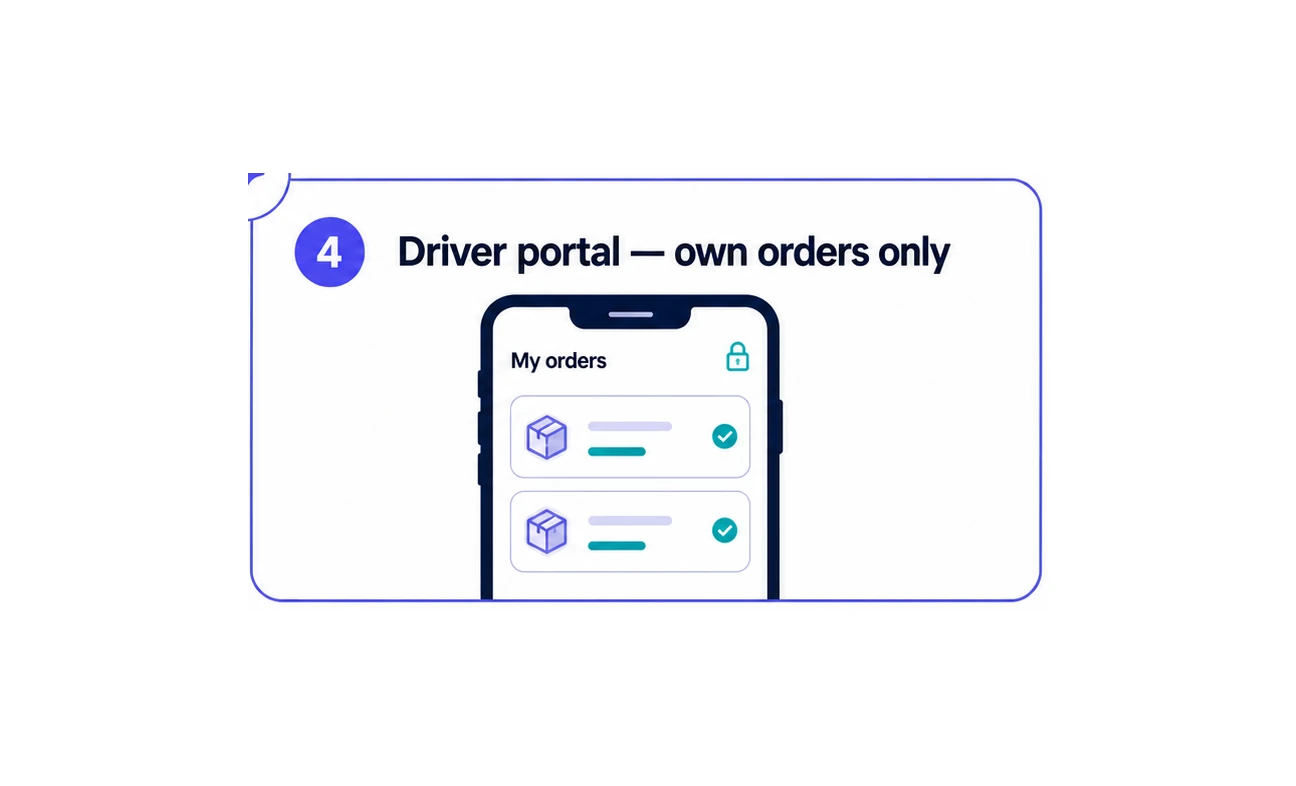
Give every authenticated driver a focused mobile view containing only the delivery orders assigned to them.
Step by step
Sign in securely
The driver opens the mobile-friendly portal and authenticates with their registered phone number.
Open My orders
Today and Tomorrow views keep the driver focused on the deliveries that matter now.
See assigned orders only
The portal filters the Shopify delivery list so each authenticated driver sees only their own assigned orders.
Deliver and complete
Open an order, call or use WhatsApp when needed, then complete the delivery so the agreed fulfilment update returns to Shopify.
The portal visual uses synthetic order information. Real driver access is filtered to that authenticated driver’s assigned orders.
Make the next delivery day easier to run.
Bring order organisation, printing and driver hand-offs into one Shopify workflow.