Features

Everything between the order landing and the door.

Grouped by the part of your day it fixes, rather than by what it is called internally. Your Shopify orders stay exactly where they are — all of this sits on top of them.

Your day

The screen your team opens each morning, built around the day you deliver rather than the day people ordered.

  • Pick a day and see only that day’s deliveries
  • Recognise orders by their product photos
  • Filter by time slot, area or delivery method
  • See what still needs printing, assigning or delivering
  • Assign a driver straight from the order list
  • A map of the day’s stops and each driver’s progress
  • Your Shopify orders stay the source of truth
Explore your day →

Gift messages and buyer details

Collected properly at checkout instead of in a note, and fixable before the card prints.

  • One message for the whole order, on every plan
  • A separate message per product from Growth
  • The buyer’s own name and phone, required at checkout
  • Recipient details kept separate from the buyer’s
  • Edit a message after checkout — Shopify cannot
  • Every message prints on its own card
Explore gift messages and buyer details →

Printing

Cards, envelopes and dispatch sheets on paper without a dialog for every one.

  • Print from your browser on every plan
  • Each document to its own printer in one click, from Growth
  • PrintNode cloud printing (their own subscription)
  • Silent printing with QZ Tray on Automate and Enterprise
  • New orders print themselves as they arrive, from Automate
  • Templates you can edit, at real paper sizes
Explore printing →

Invoices

Shopify hides its invoice button once an order is paid. This one does not.

  • An invoice for any order, paid or not
  • Print it, or email the PDF to the customer
  • Sent under your shop’s name, with no DNS to configure
Explore invoices →

Drivers

Each driver gets their own stops on their phone, and nothing else in your shop.

  • 3 to 25 drivers depending on your plan
  • They see only the orders assigned to them
  • No Shopify account, and no access to your admin
  • Tap to call or WhatsApp the recipient
  • Marking a delivery done updates Shopify
  • Your own branding on Automate and Enterprise
Explore drivers →

AI checks

Early access. Optional, never automatic, and a person decides on every suggestion.

  • Flags addresses missing a floor, flat or unit number
  • Translates the delivery address when it is written in another language
  • Both on every plan, one credit per order
  • 500 to 5,000 credits a month by plan
  • Nothing is changed on an order without you
  • Everything else works with AI switched off
Explore ai checks →

One app, not five

Less switching. Fewer things to remember.

Most delivery shops end up with a date picker, a gift-message app, a printing app, something for drivers and a spreadsheet holding it together. This is the operational half of that in one place.

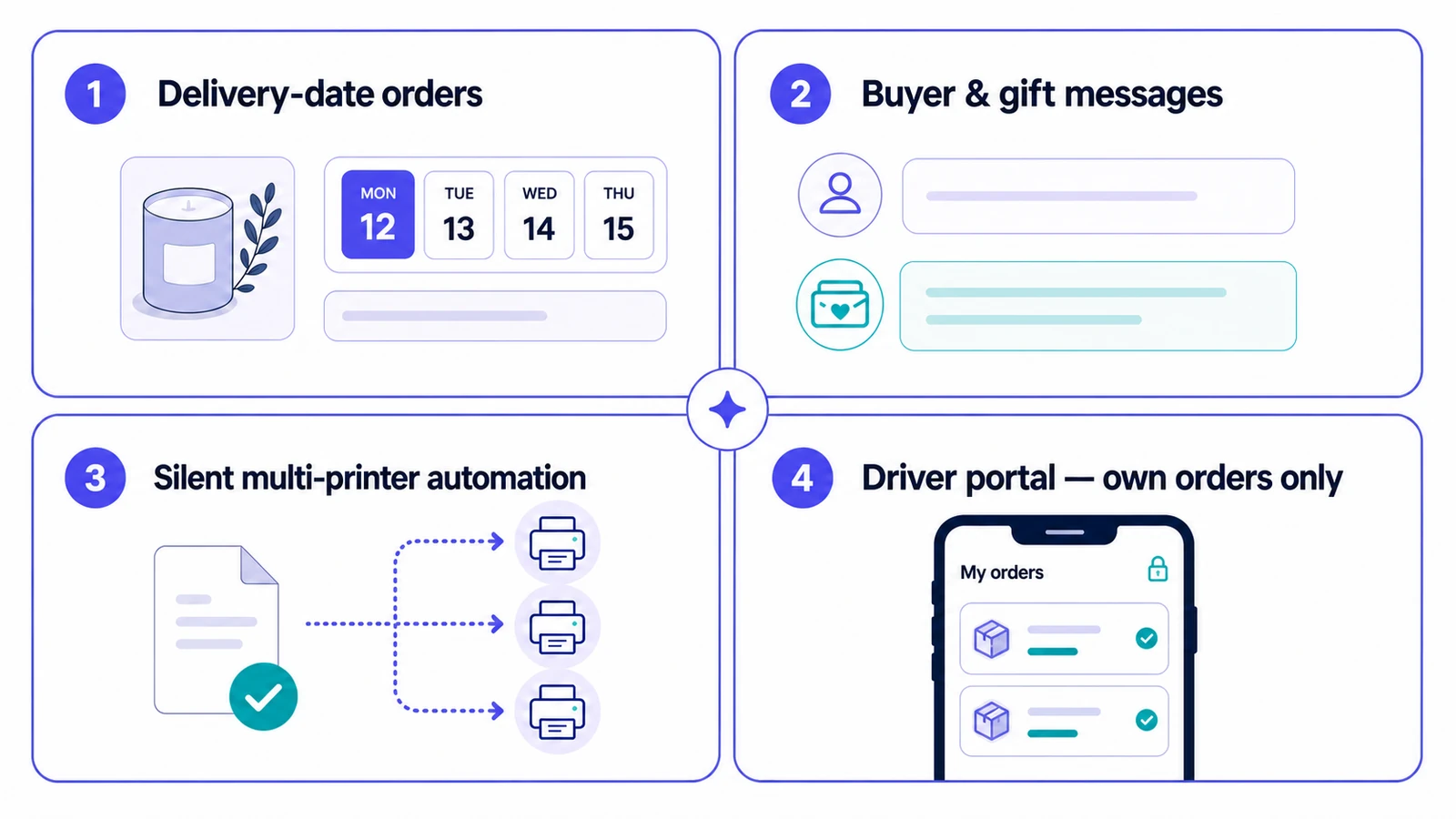
Diagram of the five Wunder Delivery capability areas: delivery order management, gift messages and buyer details, printing and invoicing, driver portal, and AI with automation
The capability areas and how they connect around a Shopify order.

Spend less time processing orders and more time delivering them.

Bring delivery-date orders, printing, invoices and driver hand-offs into one Shopify-connected workflow.