Built for one hand at a doorstep
A phone screen designed as a phone screen, not a desktop table squeezed down.
 WunderDelivery
Driver portal
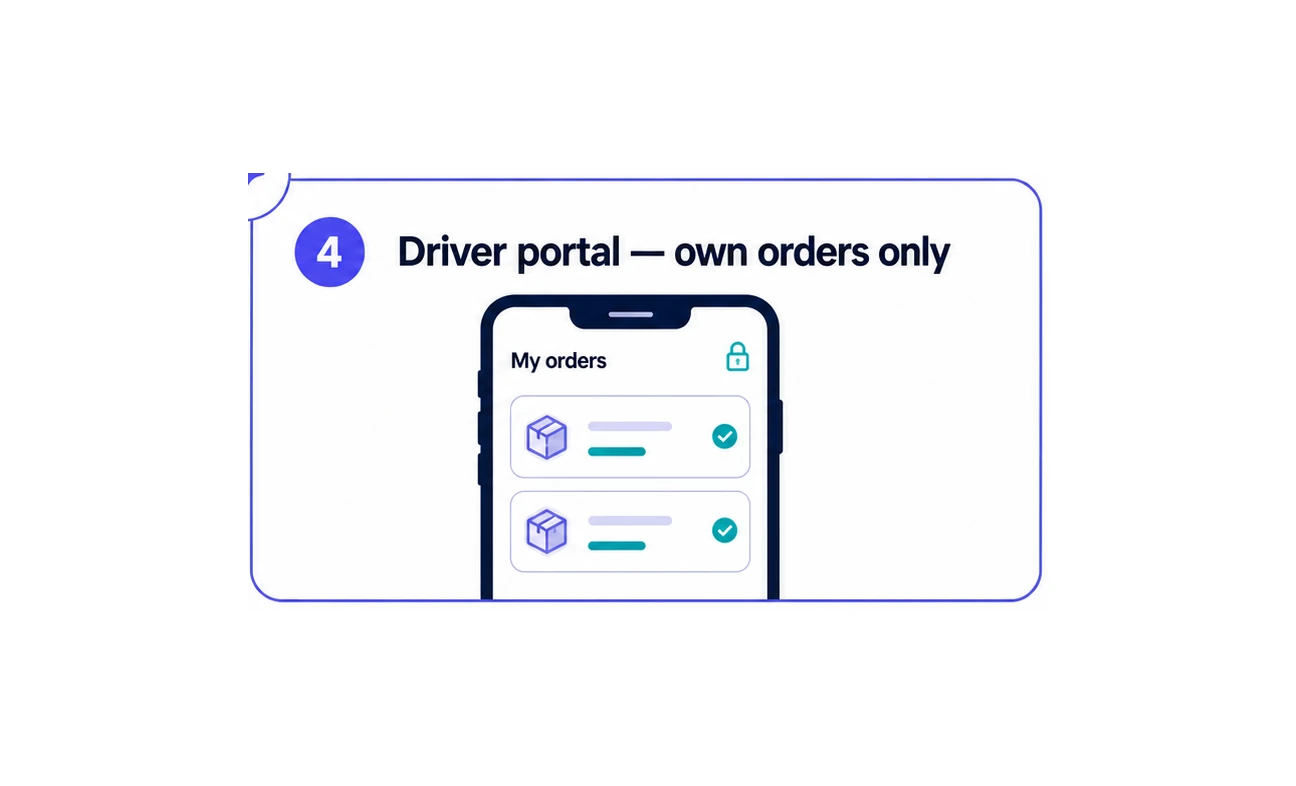
Each driver opens a web page on their phone, signs in with their own number, and sees the deliveries assigned to them — and nothing else in your shop.
The problem it fixes
There is no driver role, so most shops improvise — a printed list, a screenshot, a group chat — and then spend the afternoon answering “which ones are mine?” and “has that one gone yet?”.
Giving a driver a Shopify staff account is the other option, and it hands them far more of your business than their own round.
How it works
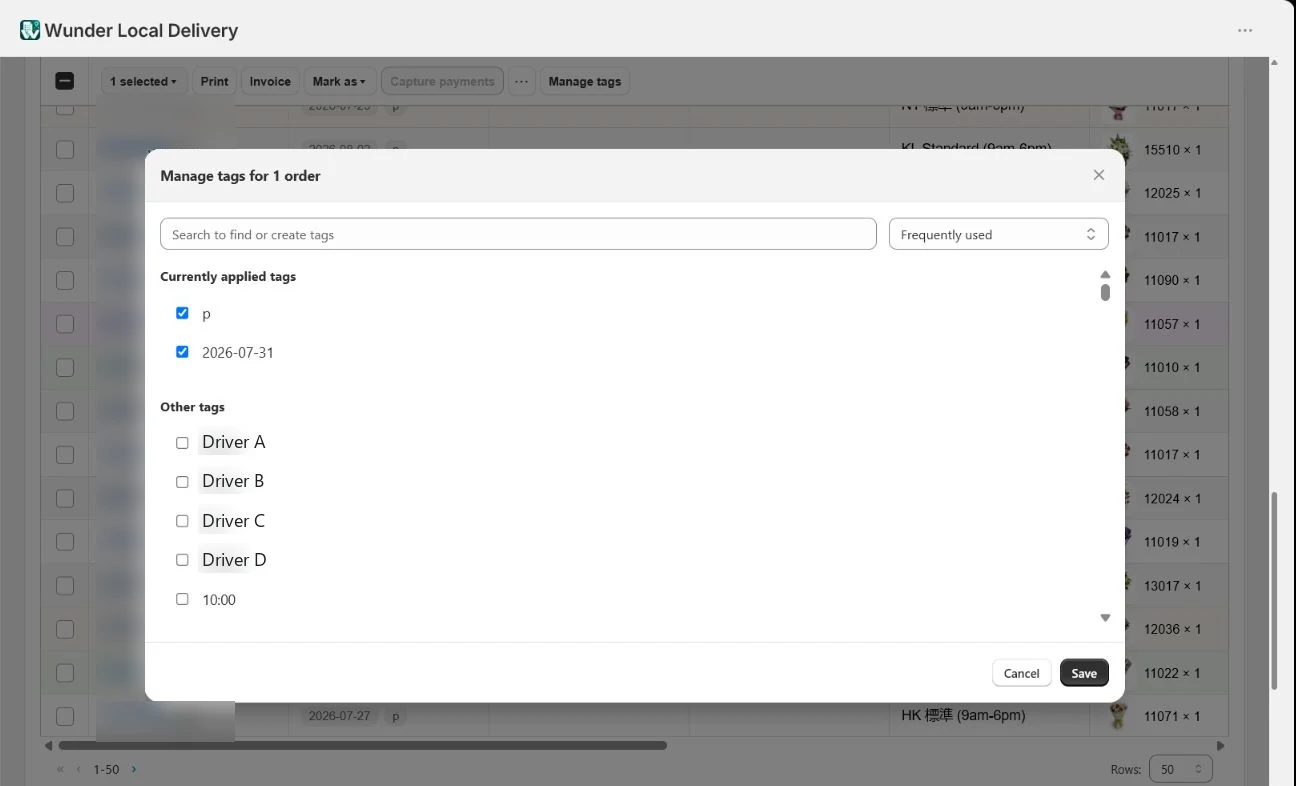
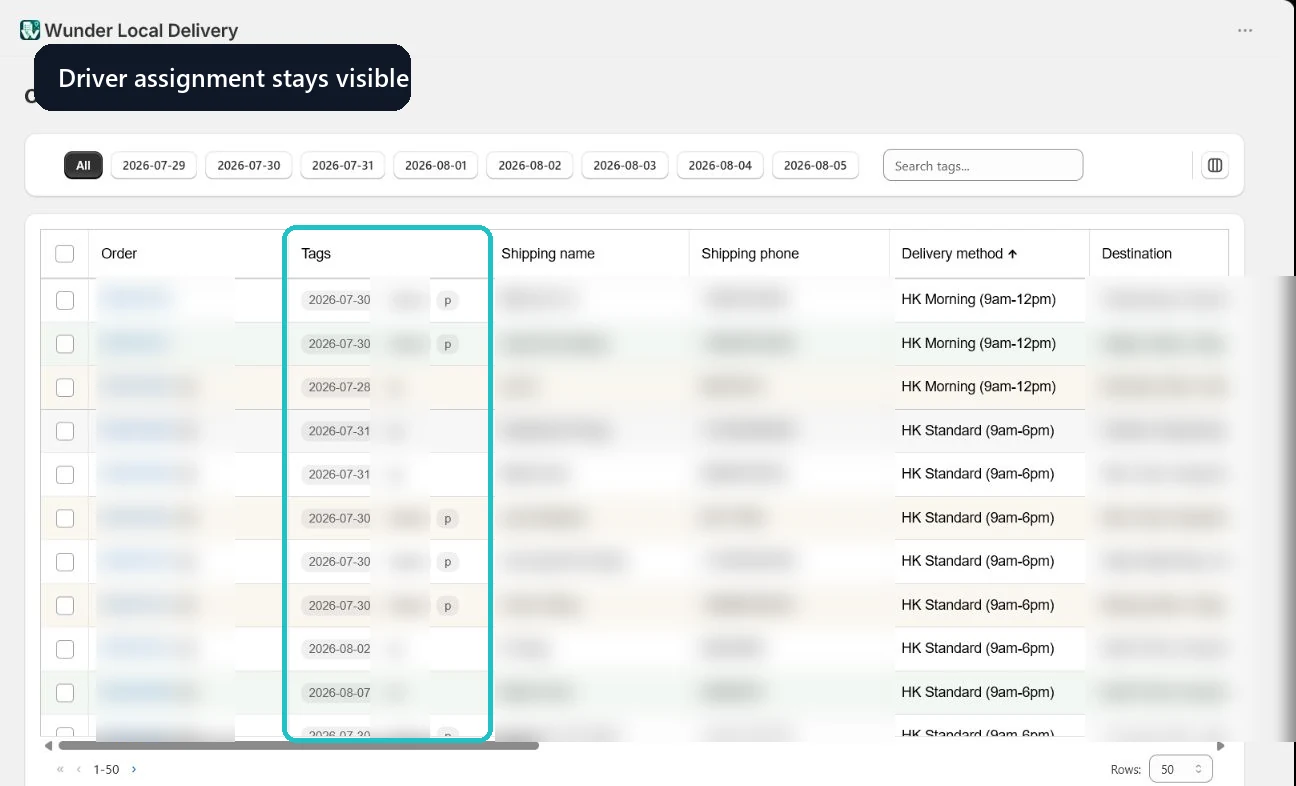
On the Orders page, tick the day’s orders for one driver and add their tag. That tag is the assignment.
They open your shop’s portal address on their phone and sign in with their own number. No Shopify account is created.
Today and tomorrow, showing only the orders carrying their tag.
The recipient, the address, the delivery details, and a number they can tap.
Phone or WhatsApp from the order when a delivery needs confirming.
One tap and a confirmation, at the doorstep.
The fulfilment goes back to the Shopify order, so nobody reconciles a list at the end of the day.
Assigning
Tick the day’s orders for one driver and add their tag. They see them on their phone moments later.
Worth knowing: adding a second driver’s tag does not remove the first, so an order can sit in two rounds at once. That is occasionally what you want, and rarely what you meant — remove the old tag in the same dialog.
What drivers get
A phone screen designed as a phone screen, not a desktop table squeezed down.
Other drivers’ stops, your other orders, your customers and your takings are not on their phone. The list is filtered before it is sent.
Drivers never get an account in your admin. Their access is their phone number, and you can switch it off from the roster.
The date, the time window the customer chose, the recipient and the address — nothing else to scroll past.
Tapping the number dials it. No copying digits between apps at a doorstep.
The portal carries your logo and colours on the Automate and Enterprise plans. Essential and Growth use the standard portal.
Being straight with you
Both come up in the first conversation, so they are here rather than in a footnote.
There is no live tracking. A driver’s position is sent when they bring the portal to the front on their phone — there is no background tracking and no trail. The dispatch map shows a last-known position, which is useful for seeing roughly where a round has reached and no use at all for telling a customer their driver is five minutes away.
There is no proof-of-delivery capture. No photo, no signature. A driver marks a delivery complete and that is the record. It is under consideration, but it is not there today.
Driver questions
No. Each authenticated driver sees only the orders assigned to them. The driver portal is a filtered view of assigned deliveries, not access to your Shopify admin.
Yes. When a driver completes a delivery, the fulfilment update is passed back to Shopify so your order records stay current without a second manual step.
A custom-branded driver portal is included on the Automate and Enterprise plans. Essential and Growth include the standard driver portal.
No. Drivers use a separate web address on their phone and sign in with their own phone number. They never get a Shopify login and they never see your admin.
Bring delivery-date orders, printing, invoices and driver hand-offs into one Shopify-connected workflow.