
Stop babysitting the printer
The paperwork, without the clicking
Cards, envelopes, dispatch sheets, invoices and receipts, printed from your Shopify orders — to one printer or several, by hand or automatically.
How it helps
A clearer way to keep work moving.
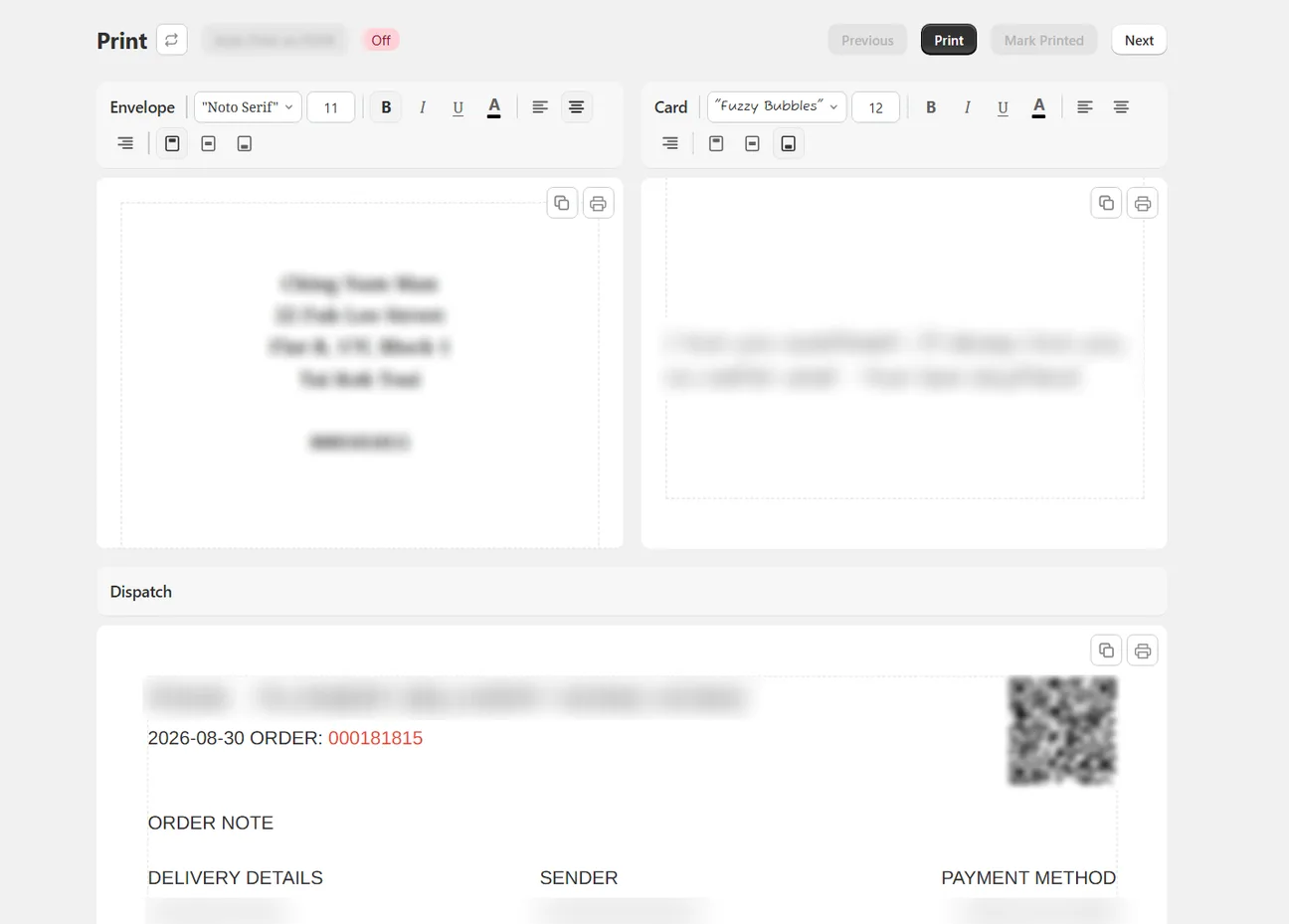
Every order produces three pieces of paper — the dispatch sheet your team packs from, the envelope, and the card. On a busy day, printing them one dialog at a time is hundreds of clicks nobody has time for. Wunder Delivery routes each document to the printer that handles it, and can print incoming orders without anyone touching the computer.
- Print from your browser on any plan
- Send each document to its own printer in one click, from Growth
- Silent printing with QZ Tray from Automate, at no extra charge from us
- New orders print themselves as they arrive, from Automate
How it works
Three steps from information to action.
01
Pick the orders
A whole day, or just the ones you are packing now.
02
Check what will print
Every document is previewed at its real paper size and margins.
03
Send it
Browser, PrintNode or QZ Tray — whichever suits that computer.
Print options
Flexible from first click to final page.
PrintNode remote-printing workflows
QZ Tray silent printing with no extra service fee
Multi-printer routing and incoming-order auto-print
Bulk dispatch sheets, cards and envelopes
Invoices, receipts and reusable templates
Spend less time processing orders and more time delivering them.
Bring delivery-date orders, printing, invoices and driver hand-offs into one Shopify-connected workflow.